
Virtual Marketo Users Group Marketo API Deep Dive From Basics to AI Ready Foundations — Key Takeaways
If you're building AI enrichment flows that write data back to Marketo, your storage architecture decision is permanent in ways your campaign logic isn't. Getting the custom object link field wrong means broken associations you can't easily patch after the fact.

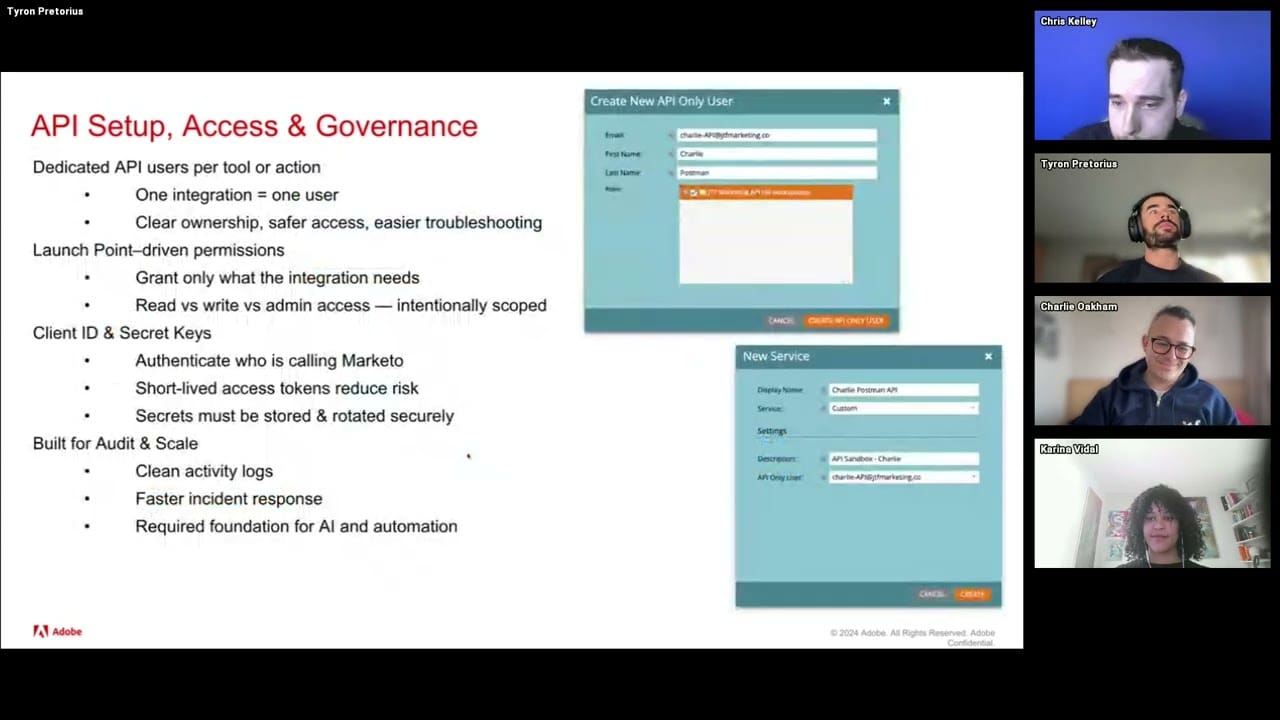
Adobe Marketo Engage User Groups | 20260127 | 1:03:07
This session from Adobe Marketo Engage User Groups covered a lot of ground. 2 segments stood out as worth your time. Everything below links directly to the timestamp in the original video.
Decision framework for where to store AI-returned data in Marketo: person fields, custom objects, or custom activities
Topic: data-quality | Speaker: Charlie Oakham and Chris Kelley
When piping AI-generated data back into Marketo, the storage decision matters architecturally. The speakers walk through three options—person/company fields, custom objects, and custom activities—each with distinct tradeoffs for queryability, reporting, and schema flexibility. Custom activities require a publish/approval step that's easy to miss, and custom objects have a link field requirement that caught at least one of the speakers off guard: they described having 'created a couple by accident without a link field,' which breaks the association to person or company records entirely.
The API name uniqueness requirement for custom objects and activities is a practical gotcha in multi-environment or multi-team setups. Both can be created and queried via the REST API, which becomes relevant when AI processes are writing back structured data at scale rather than through manual field mapping.
The underlying principle is that the choice of storage type shapes what you can do downstream—custom activities give you a timestamped, immutable event log useful for scoring or triggers, while custom objects give you structured relational data you can update. Getting this wrong early means schema refactoring under live workflows.
Key takeaways:
- Always add a link field when creating custom objects—omitting it silently breaks the person/company association and is difficult to fix retroactively.
- Custom activities require an explicit publish/approval step after creation via API before they can be used in smart campaigns or referenced in filters.
- Choose custom activities for timestamped AI event logs (e.g., 'lead scored by AI on date X') and custom objects for updateable structured data (e.g., current ICP tier).
- API names for custom objects and activities must be unique across your instance—plan a naming convention before building AI write-back workflows.
Why this matters: If you're building AI enrichment flows that write data back to Marketo, your storage architecture decision is permanent in ways your campaign logic isn't. Getting the custom object link field wrong means broken associations you can't easily patch after the fact.
🎬 Watch this segment: 21:00
Webhook's 30-second timeout will silently fail your LLM-based sales handoff flows
Topic: integrations | Speaker: Charlie Oaken
Webhooks have a hard 30-second timeout in Marketo smart campaigns—a constraint that rarely matters for fast API calls but becomes a critical failure mode when the external call involves an LLM. Processes like generating a lead summary for sales handoff (which requires the model to retrieve activity history, synthesize it, and return formatted text) routinely exceed this window. When they do, the webhook fails silently: no error surfaced in the campaign, no data written back, and the sales rep gets nothing at the exact moment the handoff is supposed to happen.
Self-service flow steps are the architectural alternative. Unlike webhooks, they're designed to handle asynchronous, long-running processes—the flow step can wait for the external service to complete rather than timing out. For AI use cases specifically, this makes them a better fit for any enrichment or summarization task where response latency is unpredictable.
The practical implication is that teams currently using webhooks to call LLM APIs for anything more than a simple classification or short completion should audit whether they're hitting the timeout threshold. Silent failures in this context mean data gaps that are hard to detect and diagnose.
Key takeaways:
- Marketo webhooks have a 30-second hard timeout—LLM calls for summarization or multi-step reasoning will routinely exceed this and fail without surfacing an error.
- Self-service flow steps support asynchronous execution, making them the correct architecture for any AI process with variable or long response times.
- Silent webhook failures at sales handoff are especially costly—audit whether your LLM-integrated campaigns are actually writing data back successfully.
- Reserve webhooks for fast, deterministic API calls; use self-service flow steps for anything involving generative AI responses.
Why this matters: Your webhook-based AI enrichment may look like it's working in your smart campaign flow—until you check whether data is actually landing at the moment a rep needs it. The 30-second timeout doesn't throw an error; it just does nothing.
🎬 Watch this segment: 18:27
Content summarized from publicly available MUG recordings. Not affiliated with Adobe. Summaries reflect my interpretation — always validate before implementing in your environment.
This is a personal project by JP Garcia. I work at Kapturall but this publication is independent and not affiliated with or endorsed by my employer. All credit belongs to the original speakers and Adobe Marketo Engage User Groups. I curate and link back to source — I never re-upload or reproduce full sessions. Full disclaimer →