Original source: Adobe Marketo Engage User Groups
This article is an editorial summary and interpretation of that content. The ideas belong to the original authors; the selection and writing are by Marketo Ops Radar.
This video from Adobe Marketo Engage User Groups covered a lot of ground. 7 segments stood out as worth your time. Everything below links directly to the timestamp in the original video.
If your spam filtering relies on reCAPTCHA v3 scores alone, you're working without explanations and without control. This pattern gives your team both.
AI Form Classification Outperforms reCAPTCHA by Making Spam Decisions Explainable
A recurring limitation with reCAPTCHA v3 in Marketo is that it operates as a black box — returning a suspicion score with no explanation, and doing so unreliably in both directions. A practitioner demonstrated using an AI agent instead, where a custom prompt defines exactly what constitutes a bot submission and instructs the model to always return a reasoning string alongside its classification. This makes every decision auditable and adjustable without waiting on a third-party scoring model to improve.
The approach extends naturally beyond spam filtering. The same webhook-and-prompt pattern can classify form intent — distinguishing a sales inquiry from a support request based on message content — enabling downstream routing without manual review or additional form fields.
One practical lesson here is that the value of AI over rule-based or third-party scoring isn't just accuracy; it's transparency. When a classification is wrong, you can read why and refine the prompt. That feedback loop doesn't exist with opaque scoring systems.
"A bot form fill looks like a random string of characters — that could be your main defining criteria. And then the reasoning you'll get back will be something like, yes, it's just a random string of characters. There's no genuine first name, last name, or email address here. This is definitely a bot form fill. That's the power of using AI for form fills."
Open-Text Attribution Fields Reveal New Marketing Channels — If You Can Parse Them at Scale
A common pattern in attribution reporting is to offer a dropdown of known channels, which by design can only confirm what you already know. A practitioner shared an alternative approach: leaving the 'how did you hear about us?' field as open text, then using AI to categorize responses at scale. The result surfaces channels that wouldn't appear in a predefined list — third-party integration documentation, independent creators, and cross-promotional partnerships that the marketing team had no prior visibility into.
The operational challenge with free-text attribution is data fragmentation. Misspellings, abbreviations, and multilingual responses create dozens of distinct values for what is effectively the same source. AI resolves this by normalizing to canonical categories regardless of spelling variation or input language, making the data usable for segmentation, personalization, and reporting.
The broader insight is a reframe on what attribution fields are for. Rather than measuring known channels more precisely, an open-text approach treats the field as a discovery mechanism — and AI is what makes that discovery actionable at volume.
"A dropdown will never show you new insights. It will just reinforce and give you data about the channels you already know about. Whereas an open text field allows you to discover new sources."
Lexical Rules Fail for Job Title Segmentation — AI Handles Misspellings, Multilingual Values, and Edge Cases Reliably
Job title-based persona segmentation using 'contains' logic is a well-known fragility point. A practitioner illustrated why with a concrete failure case: a multilingual instance where the French word for training or education caused IT contacts to be systematically misclassified into an Education persona, creating downstream chaos in scoring and routing. Misspellings, non-English titles, and novel job title formats all produce the same outcome — a growing default bucket of unclassified records and an unreliable segmentation model.
AI classification addresses this by understanding semantic intent rather than matching strings. A model can correctly identify that a misspelled title, a non-English equivalent, or an unconventional phrasing all map to the same persona — and do so consistently at scale. The output feeds directly into lead scoring, dynamic content selection, and nurture routing with a level of reliability that lexical rules cannot achieve.
A related use case presented alongside this was AI-assisted email content analysis: using the API to pull email performance data and classify email content thematically, then correlating topics with click rates. This produces an actionable view of which content themes are driving engagement — something that isn't available from standard performance reports alone.
"Basic lexical rules don't really work for that. But you can do that with AI and classify them properly — and then use it for lead scoring, so you can have confidence that your persona really makes sense. You can also use it for dynamic content or to route to different nurtures."
The OpenAI Batch API Cleans Historical Phone Data at Scale for Half the Cost of Real-Time Processing
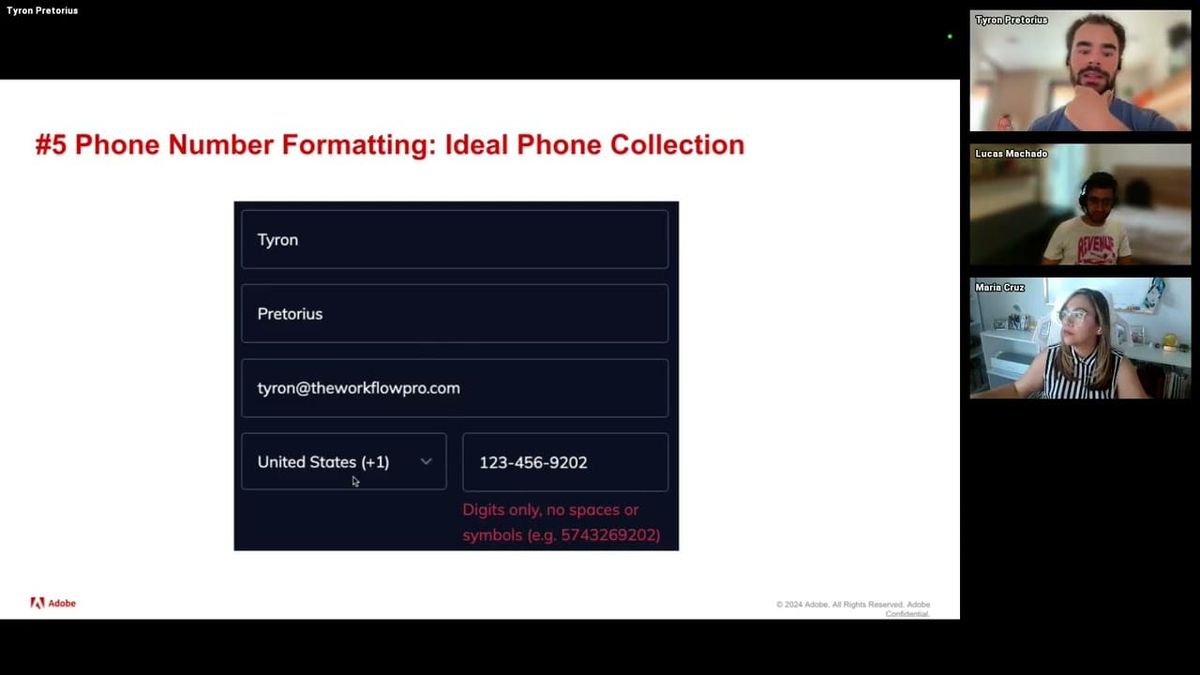
A common data quality problem in mature Marketo instances is a large inventory of phone numbers collected through open text fields over many years — inconsistent formatting, mixed special characters, no country code standardization. A practitioner presented an end-to-end workflow for resolving this at scale using the OpenAI Batch API: export records from Marketo as CSV, convert to JSON Lines format using a Python script, submit to the Batch API with a formatting prompt, retrieve and parse the output into CSV, spot-check results, then reimport to Marketo via list import.
Two non-obvious details make this approach preferable to real-time webhook processing for bulk work. First, the Batch API costs 50% less than equivalent real-time API calls. Second, attempting to send 50,000 records through the real-time API triggers rate limits that the Batch API is specifically designed to avoid — it supports up to 50,000 records per submission and processes within 24 hours. GitHub templates with Python scripts for each step of the pipeline were shared alongside the walkthrough.
The JSON Lines format requirement is a specific implementation detail worth noting: each record must be formatted as a JSON object on a single line, with the system prompt and input value concatenated per row. Google Sheets formulas can generate this format for smaller datasets, but Python is the practical choice at volume.
"When you use the batch API, it uses its AI intelligence on every single row that you upload to give you the correct answer. Whereas when you upload 50,000 records at once to the chat interface, it tries to take shortcuts and use Python to mass analyze the data."
Webhooks vs. Self-Service Flow Steps: Choosing the Right Real-Time AI Architecture for Marketo
Once historical data is cleaned via batch processing, the ongoing challenge is keeping new records clean in real time. A practitioner laid out two architectural options for real-time AI processing in Marketo. Webhooks execute within Marketo — they're straightforward to configure, send one API call per lead, and can slow down smart campaign processing under high volume. Self-service flow steps offload processing to an external server, allow batching of multiple records, and avoid instance performance degradation — but require setting up and maintaining external infrastructure.
The session also addressed how to improve AI model performance beyond default general-purpose models. Fine-tuning involves training a model on labeled examples specific to your business definitions — job title to persona mappings, for instance — which produces faster, more accurate responses but requires a sufficiently large labeled dataset upfront. RAG (Retrieval-Augmented Generation) is the lower-barrier alternative: upload a document describing your definitions, and the model searches it at inference time before classifying. RAG is slower and slightly less accurate, but accessible without a large training dataset.
A practical implementation note: a fine-tuned model produces a custom model ID that replaces the standard model name in an otherwise identical API call. The rest of the request structure stays the same, which reduces the friction of adopting fine-tuning once the training step is complete.
"Web hooks do the processing inside of Marquetto while self-service flow steps do the processing outside of Marquetto. By doing all of this outside of Marquetto, you don't make your instance slower — you can process much more data much faster and your instance will not suffer from it."
Minimizing PII Exposure When Integrating Marketo with AI APIs
Data privacy concerns are consistently the most common blocker practitioners encounter when proposing AI integrations in enterprise environments. A key reframe presented: in the majority of practical Marketo AI use cases — phone formatting, attribution categorization, persona classification — the AI model needs only the value being classified, not any personally identifiable information. Sending only the relevant field value alongside the Marketo Lead ID (which has no meaning outside the instance) is sufficient to complete the task and reconnect results on reimport.
On the provider side, a relevant clarification: OpenAI's API does not use submitted data to train its models, and retains data for 30 days for operational and security purposes only. This is distinct from browser-based ChatGPT usage, where model training data usage can be toggled in account settings. Enterprise accounts carry additional contractual data protections. The same general pattern applies to other major providers, though terms should be verified independently.
The practical takeaway is that proper implementation design — stripping unnecessary fields before sending, using anonymous join keys, and limiting payloads to classification-relevant data — resolves the majority of legitimate compliance concerns without needing to avoid AI integration entirely.
"The Marketo lead ID is an anonymized ID inside of our instance that doesn't mean anything outside of it. 99% of the use cases we presented here don't require you to use PII at all. They are all based on data that is not personal, not identifiable. So you can just use the Marketo ID to make the connection."
Q&A Roundup: CRM Sync Throttling, Model Selection, Spam Workflows, and How AI Changes Marketo Best Practices
A dense Q&A session surfaced several high-value practitioner insights. On the ChatGPT Pro vs. Batch API question: uploading a large spreadsheet to the ChatGPT interface causes the model to generate code to analyze the data in bulk rather than reasoning about each record individually — which degrades accuracy for classification tasks. The API processes records one at a time and activates the model's reasoning for each, making it the more reliable path for persona classification and spam filtering even when a Pro license is available.
On CRM sync disruption during bulk reimports: a practitioner described throttling large backfill imports to 50,000 records per six-hour window to avoid overwhelming the CRM sync queue. For very large instances, this approach spread a multi-million-record backfill across a week. The recommendation is to monitor sync queue depth and time imports to coincide with lower-activity windows. On model selection: smaller, cheaper model tiers (mini, haiku, flash variants) achieve 98–99% accuracy on the classification tasks described, meaning flagship model costs are rarely justified. Microsoft Copilot was flagged as the one provider the presenter would generally avoid for these use cases.
On the broader question of how AI changes Marketo best practices: foundational hygiene — deduplication, consistent naming conventions, well-structured folder hierarchies, tokenized templates — becomes more important rather than less as AI agents are introduced. An agent that encounters duplicate records or ambiguous field names has no reliable way to resolve them. AI adds capability on top of a clean instance; it doesn't compensate for a disorganized one.
"Having an organized instance is a deal breaker. Having templates tokenized, smart campaigns processing leads, a good naming convention, a good folder structure — that makes your instance much more ready for AI agents. If you have duplicates, how is an AI agent meant to know which one to update? If you have very bad field names and a human doesn't know which is the right one, how is it meant to know the right field to populate?"
Also mentioned in this video
- The agenda covering five low-risk, high-reward AI use cases for Marketo, the… (2:10)
- The fourth use case (10:27)
Summarised from Adobe Marketo Engage User Groups · 54:57. All credit belongs to the original creators. Streamed.News summarises publicly available video content.