Original source: Adobe Marketo Engage User Groups
This article is an editorial summary and interpretation of that content. The ideas belong to the original authors; the selection and writing are by Marketo Ops Radar.
This video from Adobe Marketo Engage User Groups covered a lot of ground. 3 segments stood out as worth your time. Everything below links directly to the timestamp in the original video.
Licensing constraints in Marketo's native webinar capability are easy to underestimate until they create operational problems. Understanding the difference between event credits and room slots before procurement will save you a difficult conversation later.
Interactive Webinar Licensing Tiers: What Each Package Actually Gives You
Before committing to Marketo's native interactive webinar capability, understanding the licensing structure is essential for procurement conversations. Three tiers exist — the entry level caps at 12 non-overlapping events per year with 500 attendees per room, the mid tier offers unlimited non-overlapping events at 1,000 attendee capacity, and the top tier adds a second simultaneous room at the same capacity. The distinction between event credits and room licenses is a recurring source of confusion worth clarifying with account teams early.
A practical issue raised in the session concerns test event behavior: creating a test webinar consumes a license credit unless the event date is set far enough in the future to allow deletion before it activates. For teams on the 12-event entry tier, this is a non-trivial constraint. It is also worth noting that several key features — recording, engagement dashboards, and on-demand tracking — are disabled in test mode, which limits how much of the full experience can be validated pre-launch.
Admin configuration is a separate prerequisite from general Marketo user access. Users must be explicitly added in the interactive webinars admin section before they can create or manage events — a step that is easy to overlook during initial rollout and one that can quietly block team members from accessing the feature.
"When you do create a test, that is blocking a license credit. If you are running a test, be sure to set it some date well into the future so you can run this test and then delete the test program so that you don't use one of those licenses."
Marketo's Native Webinar Triggers Go Far Beyond Attended/Not Attended
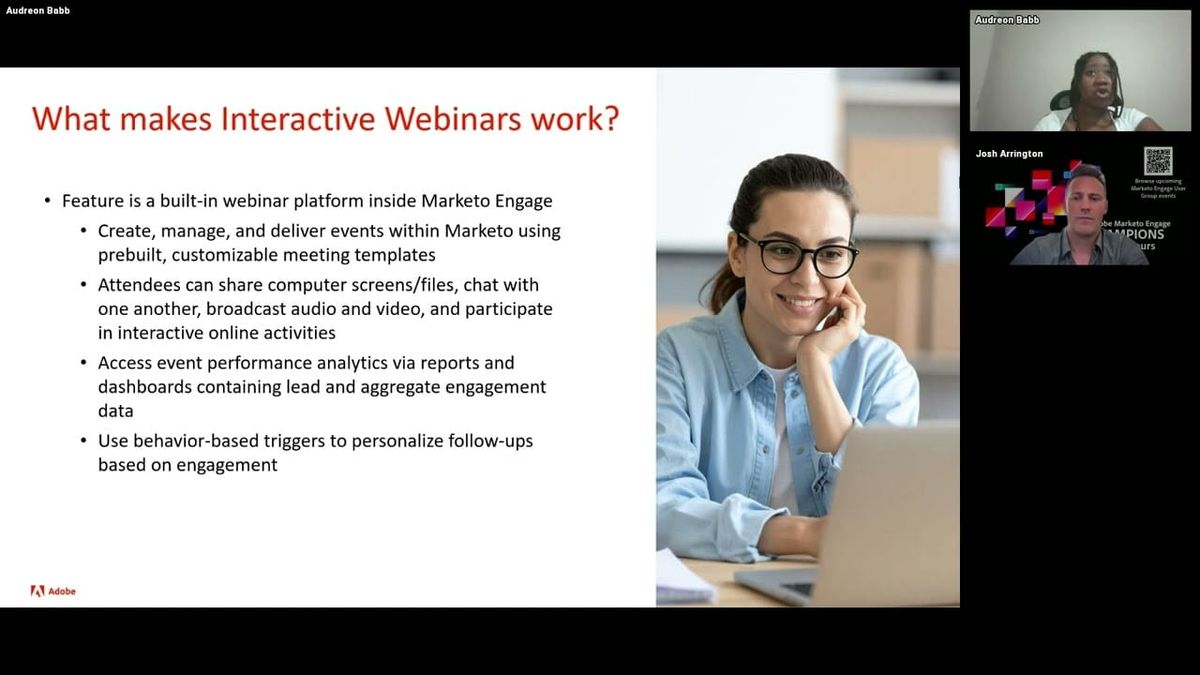
A live demonstration of Marketo's interactive webinar capability revealed a depth of post-event automation data that most practitioners using third-party webinar integrations have never had access to natively. The attended event filter alone exposes granular constraints including poll response count, number of questions asked, number of unanswered questions, live watch duration, on-demand watch duration, and CTA link click tracking — each of which can drive distinct follow-up flows. An example shared in the session illustrates the practical implication: a poll asking about CRM platform usage can route respondents into product-specific nurture tracks immediately after the event, without any manual data export or enrichment step.
The room design interface — powered by Adobe Connect — uses a layout and pod system that is more flexible than it initially appears. Layouts can be switched mid-event with a single click, changing what all attendees see simultaneously. Pods support presentations, file sharing, chat, polls, Q&A, quizzes, web links, attendee lists, and live video feeds, all snapping to a grid system. A prepare mode allows hosts to edit upcoming layouts — adding links, updating polls, adjusting content — while the current layout remains live for attendees, removing a common pain point in live production.
One documentation tip that saves significant research time: because interactive webinars is built on Adobe Connect, searching for Adobe Connect rather than 'interactive webinars' returns a substantially larger body of tutorials, including an official YouTube channel with detailed walkthroughs. This is a non-obvious workaround that reflects the feature's heritage and applies to anyone trying to go beyond the basics in Experience League.
"Those polls are not just ephemeral and living just once in that webinar event. They live on, they can be used. This is actionable data that you're getting out of these webinar experiences and that makes it super powerful."
Practical Answers on Interactive Webinar Licensing, Cloning, and Platform Limitations
A panel Q&A session surfaced several clarifications worth noting for teams evaluating or expanding their use of Marketo's native webinar capability. On cost, Gen AI features within interactive webinars are included without additional charge — enabling them is a matter of accepting terms rather than a procurement conversation. On licensing, a practitioner confirmed that webinar tier upgrades can be negotiated independently of the core Marketo package, meaning a team on the mid-tier Marketo license can upgrade only the webinar component without changing the rest of their contract.
A structural detail with evergreen content implications: the registration link and the on-demand viewing link are the same URL. Once a live event concludes and on-demand mode is active, anyone using the original link continues to access the content without any redirect or re-registration flow. This makes webinar programs more naturally suited to long-tail distribution than most third-party integrations allow. Program cloning was confirmed to work as expected — the event program structure is standard; it is the connected webinar platform that differs, not the program type itself.
Two honest limitations were acknowledged: simultaneous translation is not currently supported in a way that creates a genuine simulive experience (playing a recording is possible, but the result is visibly a recording rather than a simulated live event), and the number of simultaneous rooms at the upper tier may be a constraint for high-volume event teams. A practitioner noted that teams running large monthly webinar volumes would need careful scheduling or a direct conversation with their account team about capacity beyond the packaged limit.
For Sales Insights integration, the panel's practical recommendation was to use engagement data — attendance, poll responses, link clicks, asset downloads — to trigger interesting moments rather than surface raw duration metrics directly, since the latter is better handled in smart campaign logic.
"The link that you use to attend the event becomes the on-demand link. So as long as you keep that on-demand content there, it just becomes evergreen — it just automatically becomes on-demand content."
Also mentioned in this video
Summarised from Adobe Marketo Engage User Groups · 54:11. All credit belongs to the original creators. Streamed.News summarises publicly available video content.